
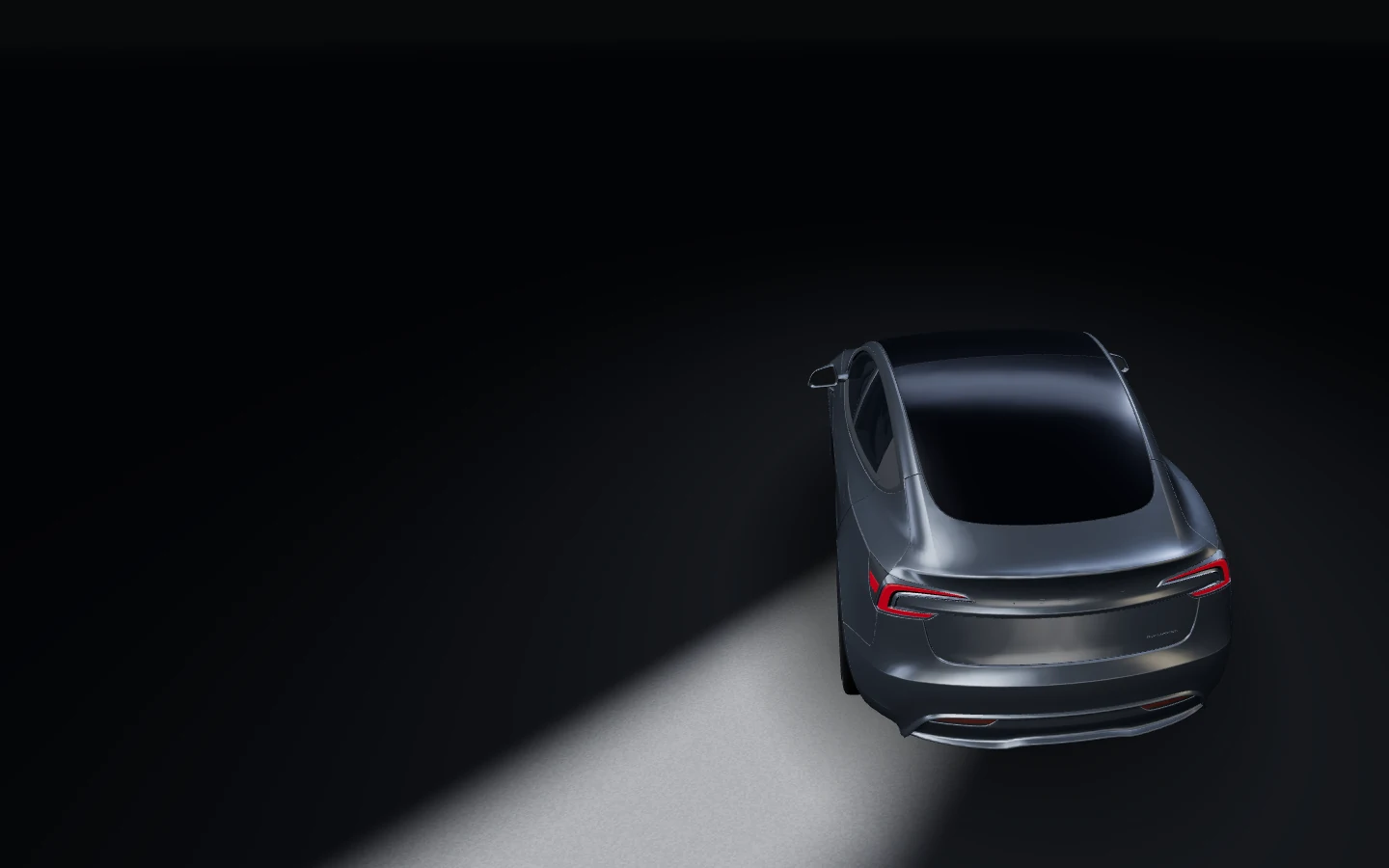
TBG CHIP · INDEPENDENT MODULE FOR TESLA
Your Tesla.Can do more.
EAP TBG, Boost and Theatre Mode.
Check FSD for your Tesla.

01 ENHANCED AUTOPILOT · EAP TBG
Long drives.Less routine.
EAP TBG assists with lane keeping, following distance and lane changes on compatible Teslas.
Stay attentive and ready to take over.

02 ELON MODE · PART OF EAP TBG
Elon Mode.Fewer reminders.
Removes repeated steering-wheel reminders on compatible Teslas.
Watch the road and follow the Autosteer requirements.

03 YOUR CONFIGURATION
What workson your Tesla?
Availability varies by feature. Check your Tesla’s hardware and software.
FEATURES
What’s possible with
TBG Chip?
Highway assistance, parking features, more performance and Theatre Mode.
FULL SELF-DRIVING (SUPERVISED)
FSD on your Tesla?
Route assistance through turns and intersections. The driver watches the road and remains ready to take over.
What does FSD require?
A compatible computer, software and eligible Tesla access are required. If your subscription includes EAP only, check FSD eligibility in your country.
Check which features are supported by your Tesla’s hardware.
Check FSD for my TeslaHow do EAP TBG and FSD differ?
- EAP TBG
- Lane, distance and lane-change assistance. Elon Mode removes repeated steering-wheel reminders on compatible Teslas.
- FSD (Supervised)
- Helps follow a route through turns and intersections. Check FSD access separately from EAP.
AUTOPARK + SUMMON
You’re at the entrance.
Your Tesla is already there.
Autopark helps you park. Summon brings the vehicle to you in a suitable private car park.
In viewKeep the Tesla in sight and be ready to stop the manoeuvre. Range depends on the vehicle, software and country of use.
An open
space.
The Tesla prepares to manoeuvre.
Preparing the scene…
You are hereFor compatible Teslas
+150hp
Gain over factory output.
0–100 km/h · Long Range AWD example
A response you’ll want to keep.
Chill
speed.
An everyday drive.
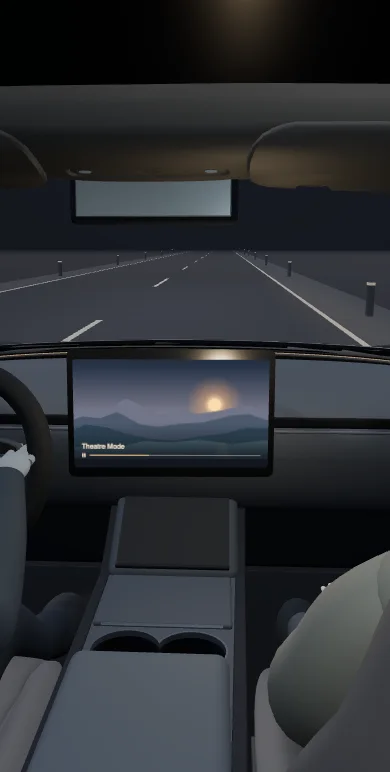
THEATRE MODE
Videoon the road.
Video for passengers on the Tesla centre display.
A passenger watches video on the central display while the driver watches the road.
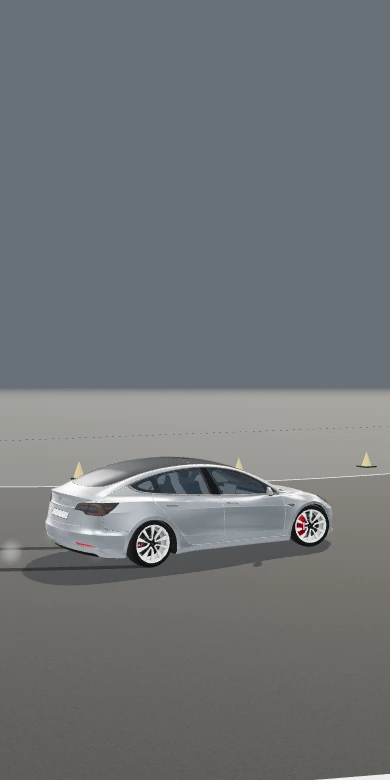
DRIFT MODE
DriftMode.
A new feel on a closed course.
Scroll-driven illustration of a driver entering and exiting a left-hand drift on a closed course.
Same Tesla. New acceleration.
+50 to +150 hp on compatible Teslas. See the difference from a shared start.
More response at your feet.
Press the pedal further to switch acceleration modes.
Video for passengers.
A different kind of performance.
A different side of your Tesla on a closed course.
TBG Chip gestures
Unlatch a door
from inside.
Passenger at the car? While parked, touch the display to unlatch their door.
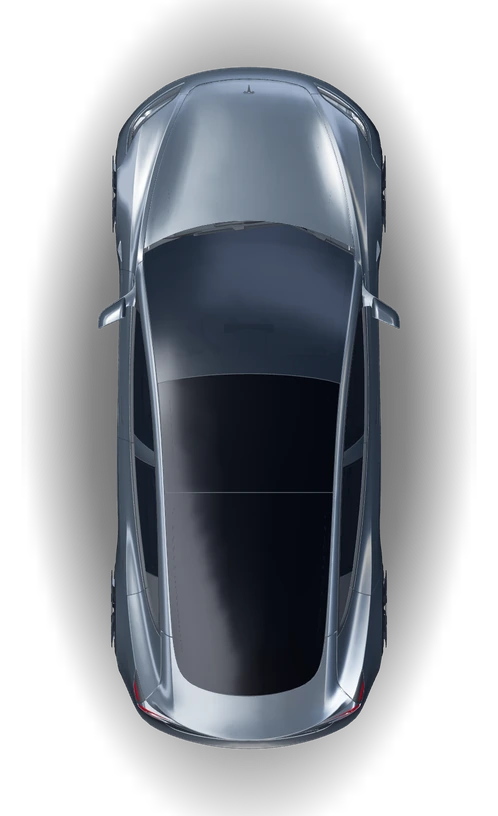
Rear-left door
Touch with three fingers at once.
Scroll or tap the screen Tap the screen or choose a gesture
SET UP ONCE IN THE APP
Assign a gesture.
In the TBG app, assign a command to each gesture. Available actions may include opening the glovebox or unlatching one of the three passenger doors. Choose a tap or a long press.
Set up a gesture
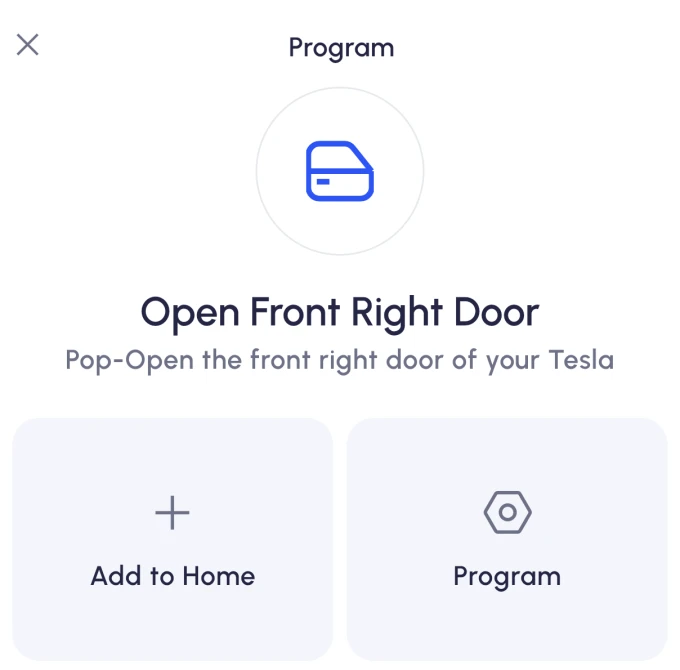
1. Choose an action
In the TBG app, open Actions, select a command, then choose Program and Touch. This example uses the front-right door.
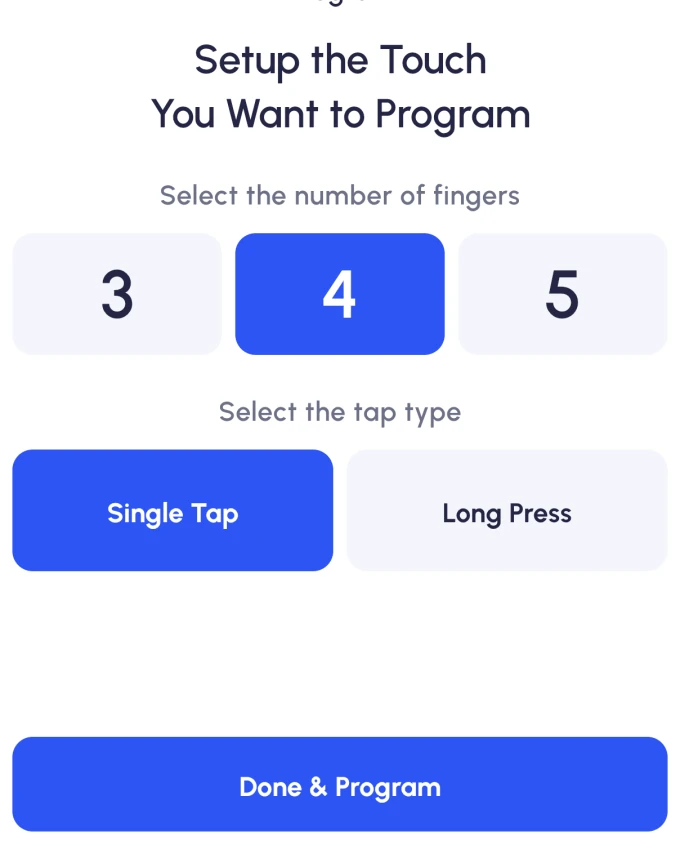
2. Choose a touch gesture
Choose the number of fingers and Single Tap. Select Done & Program.
3. Confirm on the Tesla screen
Follow the app prompt, touch the centre display with the selected number of fingers, and wait for confirmation.
YOUR CONFIGURATION
What works
on your Tesla?
Check hardware and software. Start with a Tesla app screenshot or enter details manually.
Check compatibilityTHE KIT
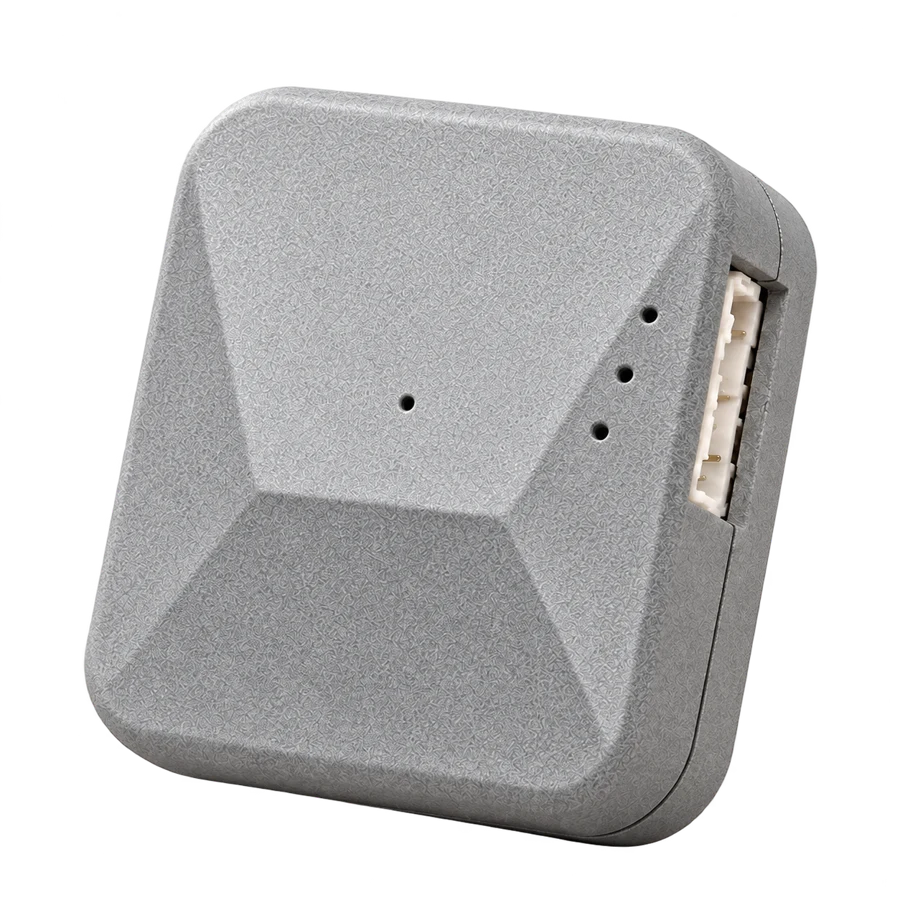
The TBG Chip module.
BEFORE YOU BUY
Questions
before purchase.
Can I move the module to another Tesla?
Yes, if the other vehicle is compatible. Both Intel and AMD cables are included. Confirm the activation steps before moving the module.
What’s includedWhich features work on my Tesla?
We check each feature against the model, hardware and software version. The motor and battery matter for Boost. For driver assistance, also check Tesla account access and local rules.
Check my TeslaWhat does FSD require?
We check the computer and software, then verify Tesla account access and the country of use. FSD eligibility is evaluated separately from EAP.
More about checking FSDHow do Boost and Kickdown differ?
Boost increases power on supported configurations. Kickdown works independently and selects an existing acceleration mode at the pedal threshold.
TBG gains are quoted against base power. Existing Tesla Boost is taken into account during the check.
What is the warranty on TBG Chip?
12 months from delivery. We replace the module if we confirm a hardware defect. If a Tesla update changes a feature, support will check the software versions and work on restoring it.
Warranty termsWhat about my vehicle warranty and insurance?
TBG Chip is aftermarket equipment. Check your vehicle warranty and insurance terms before installation. Warranty and software updates
How long is the return period?
The withdrawal period depends on the country. Separate rights apply to faulty or non-conforming goods.
Check by countryWhere does the app show speed?
Speed can be shown in the TBG Chip app or on a compatible additional display. Keep factory readings and alerts accessible.